


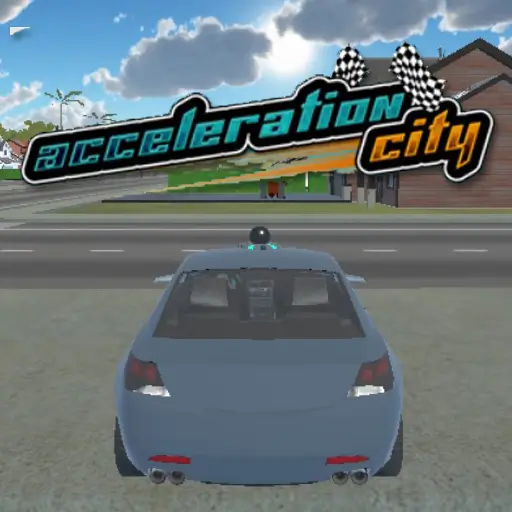
Acceleration City





Acceleration City
Play Acceleration City online for free and experience a unique blend of racing and coding. In this engaging browser game, you team up with a programmable robotic companion called a Cobot to build ramps, boost pads, and navigate challenging tracks while collecting Minanimals.
For more browser games in the same style, visit the 🏁 Racing Games category.
Contents
hide
About Acceleration City
Acceleration City is an innovative STEM-focused racing game that integrates vehicle racing with coding mechanics. Developed as part of an educational project, it allows players to control quirky vehicles and program their Cobot sidekick to modify the race environment in real-time. The game offers a creative way to learn programming concepts while enjoying fast-paced gameplay—all accessible directly in your web browser without any downloads.
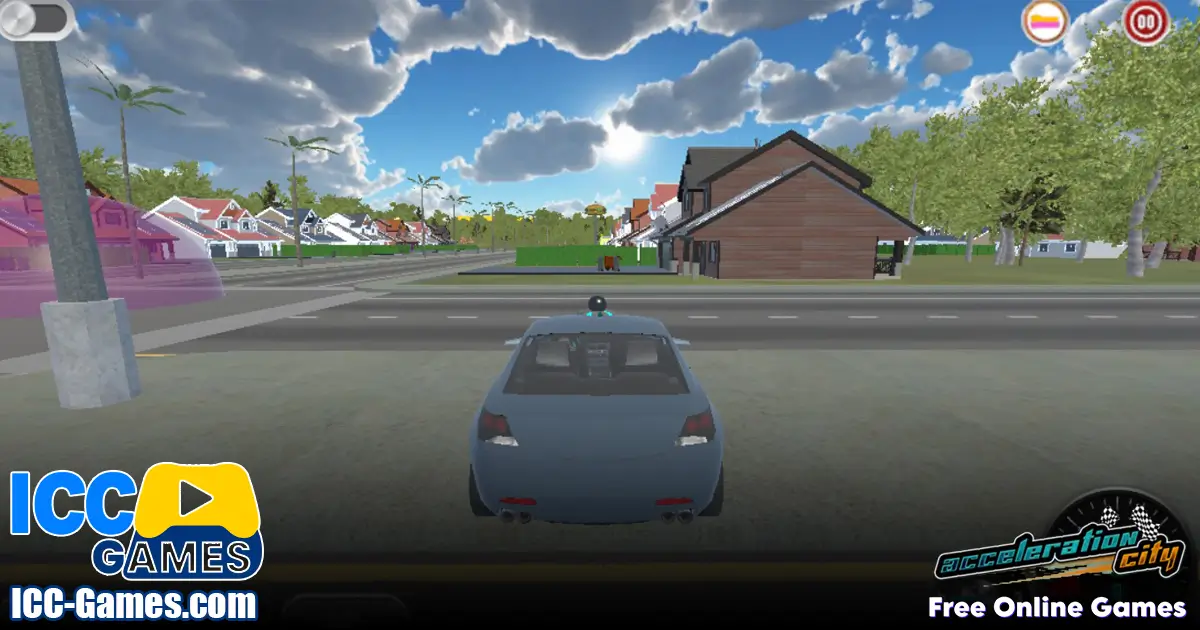
How to Play
Your main objectives in Acceleration City are to race through checkpoints, collect Minanimals scattered along the tracks, and strategically program your Cobot to build ramps and boost pads. Begin by selecting a vehicle that suits your play style, then use the in-game interface to assign actions to your Cobot at specific points on the track. Timing and coding strategy are key to gaining speed advantages and completing challenges.
Controls
- Use the arrow keys or WASD keys to steer and accelerate your vehicle.
- Press number keys 1 to 4 to select different Cobot actions such as building a ramp, platform, boost pad, or stopping an action.
- Press the spacebar to activate a temporary speed boost.
- Press the C key to open the coding interface where you can adjust Cobot triggers and program sequences.
Gameplay Features
- Real-time programming of your Cobot to dynamically alter the track.
- Multiple game modes including Story Mode, Time Trial, Free Build, and Code Challenge.
- Collectible Minanimals that unlock educational encyclopedia entries.
- Varied vehicles with unique speed and handling characteristics.
- Progressive challenges that teach coding concepts like loops and conditionals.
- Browser-based play compatible with Windows, Mac, and Chromebooks.
Tips for Playing Acceleration City
- Plan your Cobot actions ahead of time by setting triggers at strategic points rather than coding during the race.
- Use loops to automate repetitive tasks such as deploying boost pads consistently.
- Implement conditional triggers to activate ramps or platforms only when certain conditions like vehicle speed are met.
- Test your code in Free Build mode to refine your strategies before competitive play.
- Focus on balancing speed and coding; excessive commands can slow you down.
- Explore different vehicles to find the best fit for your coding style and track layout.
Acceleration City Similar Games
These related games are selected from our own game sitemap because their titles match the same gameplay style:
FAQ
What is Acceleration City?
Acceleration City is a browser – based STEM racing game where players race vehicles and program a robotic companion called a Cobot to build ramps, boost pads, and collect Minanimals while learning coding principles.
Can I play Acceleration City without downloading anything?
Yes, Acceleration City runs entirely in modern web browsers on desktop and laptop computers with no downloads or installations required.
What controls do I use to play Acceleration City?
You use keyboard controls such as arrow keys or WASD for driving, number keys to select Cobot actions, spacebar for boosts, and the C key to open the coding interface.
Does Acceleration City have multiplayer or online features?
Currently, Acceleration City focuses on single – player modes including Story, Time Trial, Free Build, and Code Challenges. Future expansions may add multiplayer features.