
Craft World – Building Games





Craft World – Building Games
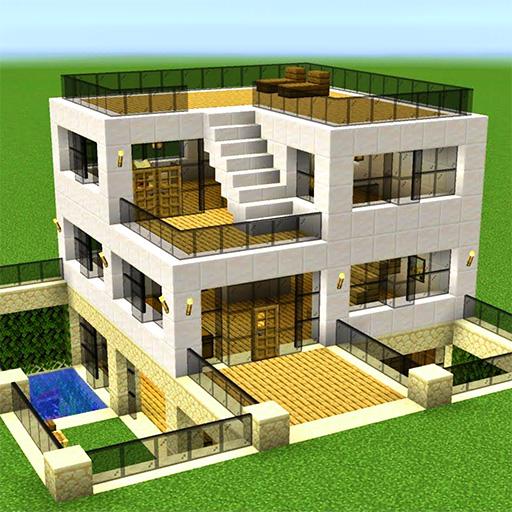
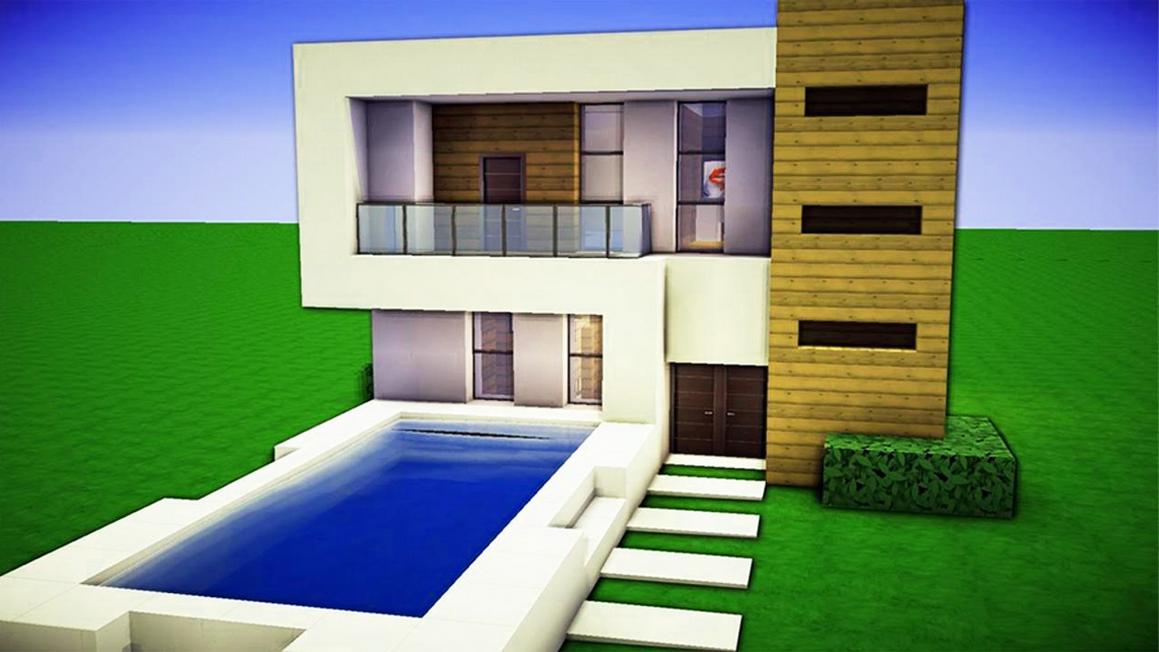
Play Craft World – Building Games online for free. This creative builder simulator invites you to construct houses and interiors using over 300 unique blocks and a variety of decor items. It offers an open canvas to design and personalize your own world, blending building mechanics with creative freedom.
About
Craft World – Building Games is an HTML5 simulation title published by Knuckle Games. It stands out by letting players craft structures from a diverse selection of more than 300 unique blocks while decorating interiors with various furniture and decorative items. The game supports desktop browsers and works on mobile browsers, making it easily accessible for younger players interested in artistic creation and design within a sandbox environment.
How to Play
The core objective is to build and decorate houses using the provided blocks and decor. Players decide what to construct by selecting blocks from the inventory and placing them strategically to shape rooms and structures. Progression comes from unlocking or utilizing more block types and decorative options, allowing more complex and personalized creations over time.
Controls
- Movement: WASD keys
- Mine block: Right mouse button
- Place block: Left mouse button
- Inventory access: Q key
- Perform actions: E key
- Toggle flight mode: F key
- Change camera perspective: R key
- Hide or show interface: H key
On mobile browsers, touch controls replicate movement and block interaction to maintain a smooth building experience without a physical keyboard or mouse.
Tips
- Use flight mode to easily reach higher points for building and decorating.
- Switch camera views frequently to check your design from different angles.
- Organize your inventory to quickly access needed blocks and decor.
- Mine unnecessary blocks to reclaim resources for future builds.
Features
- Over 300 unique building blocks available
- Decorate rooms with various furniture and decorative items
- Flight mode for easier building access
- Multiple camera perspectives
- Mobile-friendly HTML5 gameplay
- Interface toggle for immersive building
Why You’ll Like It
This game is appealing because it combines a broad creative toolkit with straightforward controls. Its mobile-friendly design ensures accessible building anywhere, while the wide block variety supports diverse architectural and interior styles. The balance between mining, placing, and organizing fosters engaging creativity without overwhelming complexity.
Similar Games
If you enjoyed Craft World – Building Games, you may also like these similar games:
FAQ
What platforms can I play Craft World on?
You can play it in desktop and mobile browsers, as it is an HTML5-based game optimized for both.
How do I place and remove blocks?
Use the left mouse button to place blocks and the right mouse button to mine or remove blocks.
Can I decorate interiors in the game?
Yes, there are various furniture and decorative items available for interior decorating.
Is there a way to fly to reach higher building areas?
Yes, pressing the F key toggles flight mode, allowing easy access to elevated places.
How do I access my inventory?
Press the Q key to open and manage your inventory of blocks and items.
Conclusion
Craft World – Building Games offers a flexible and engaging environment to explore building and interior design. Its intuitive controls and broad building options make it suitable for players looking to express creativity in a sandbox format. Start playing to bring your ideas to life in this imaginative builder simulator.